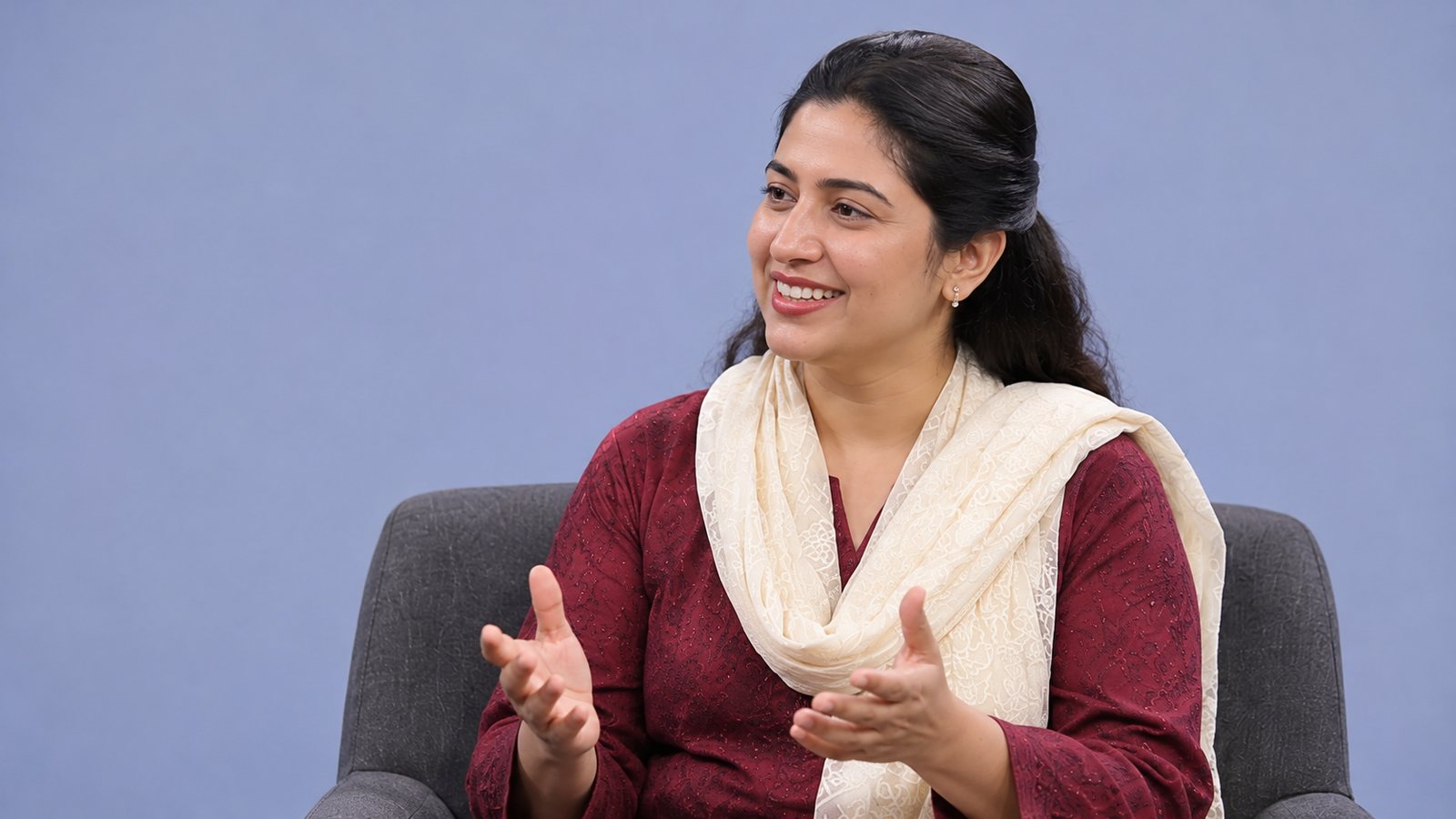
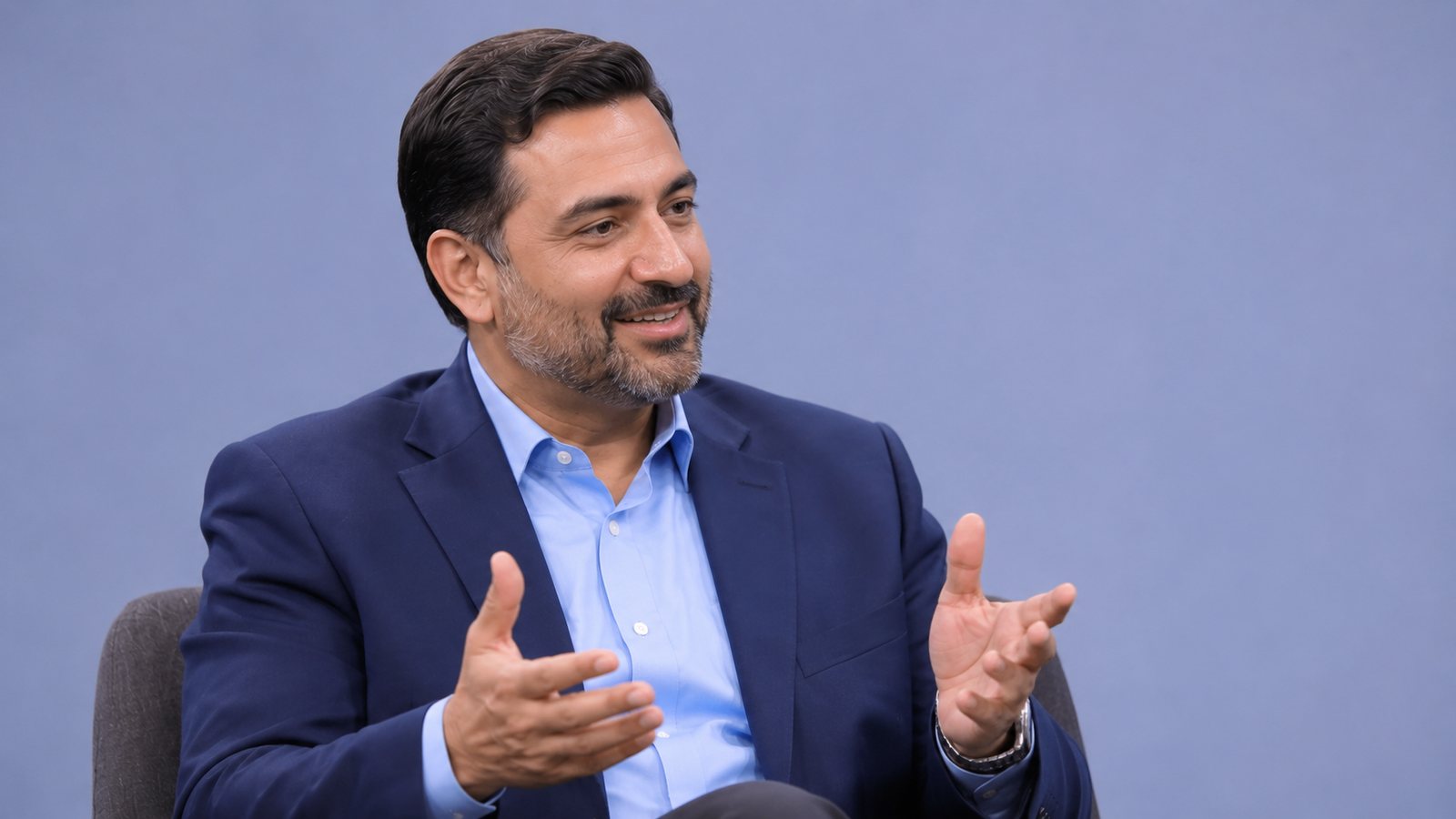
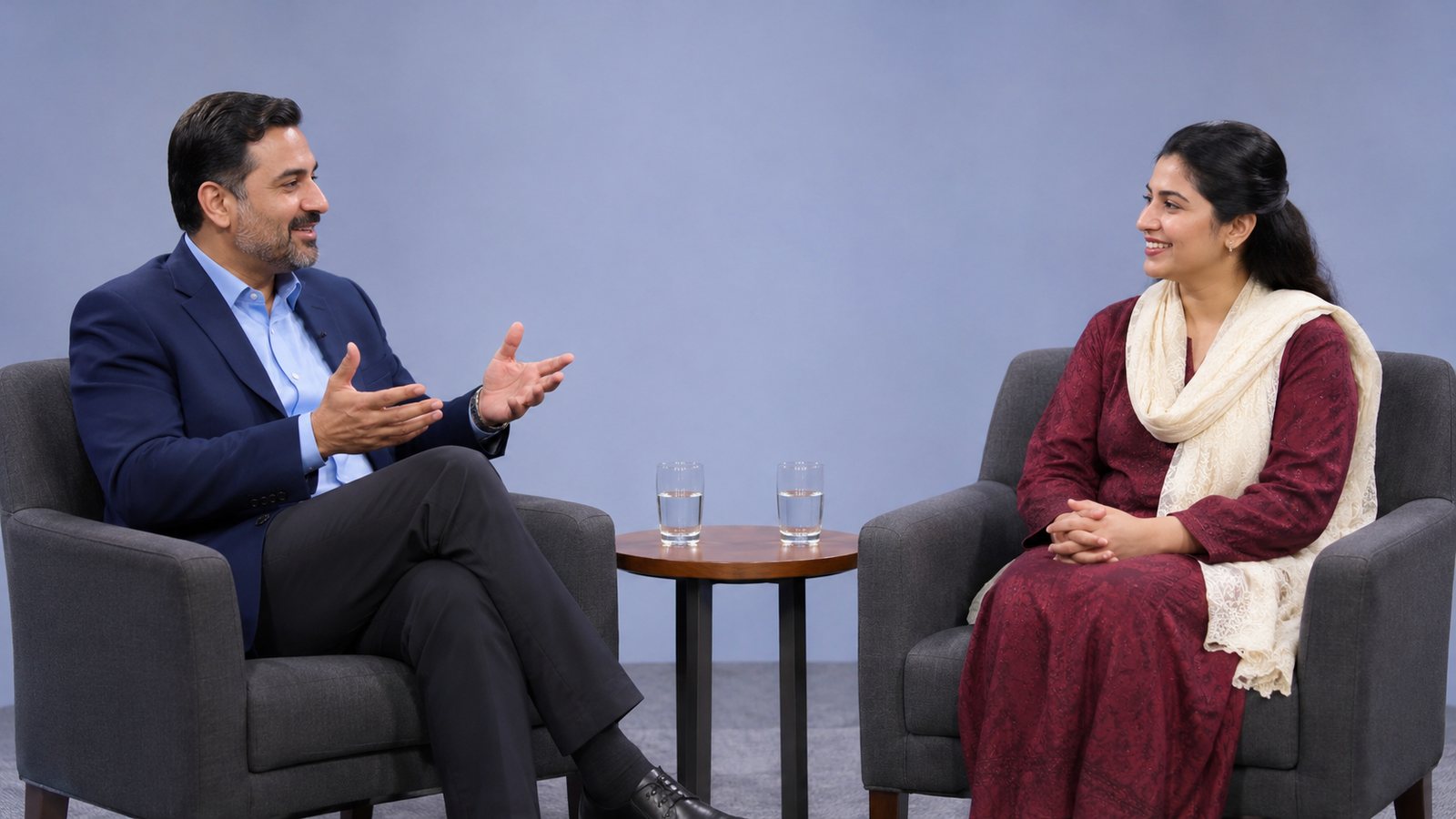
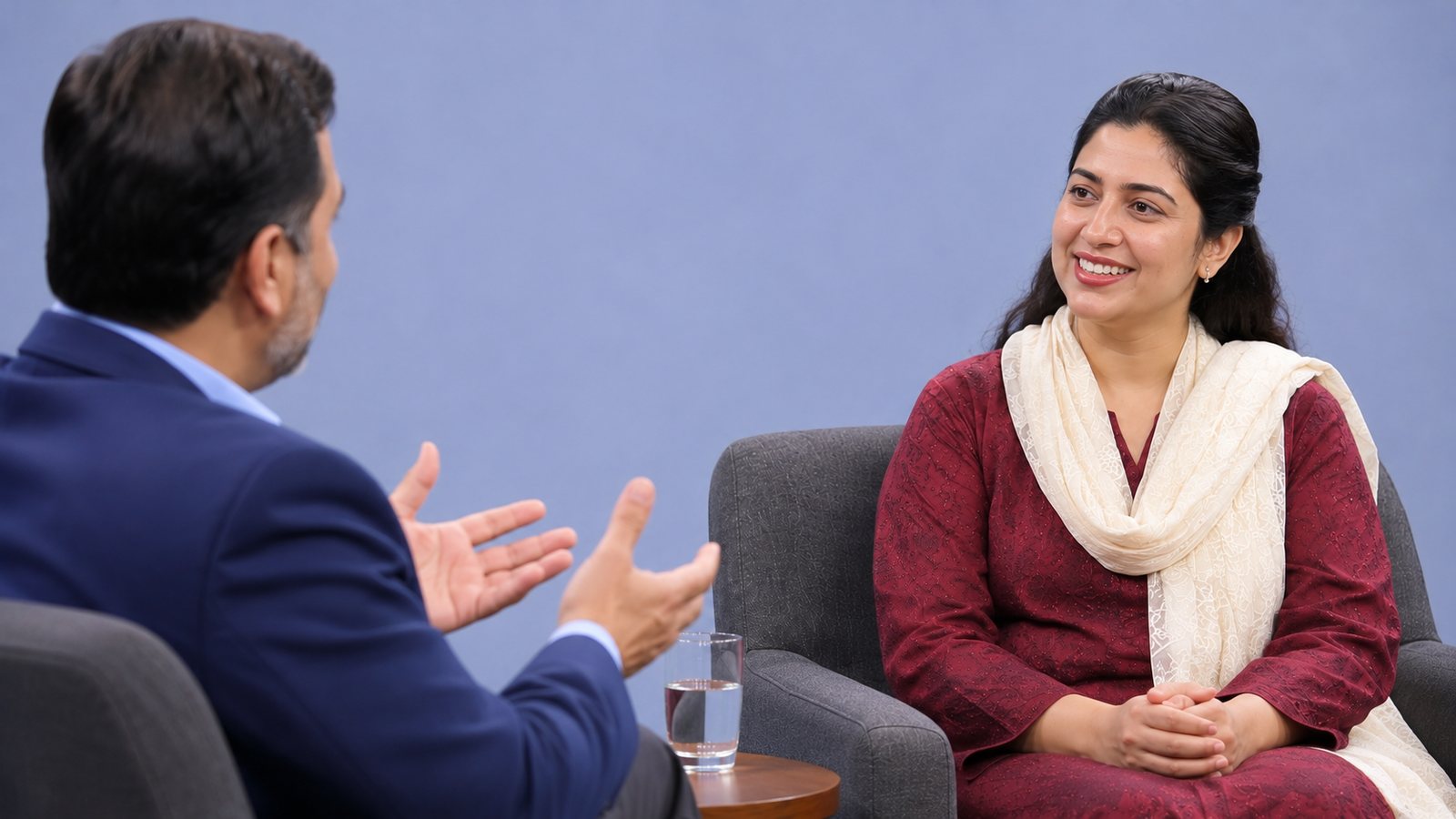
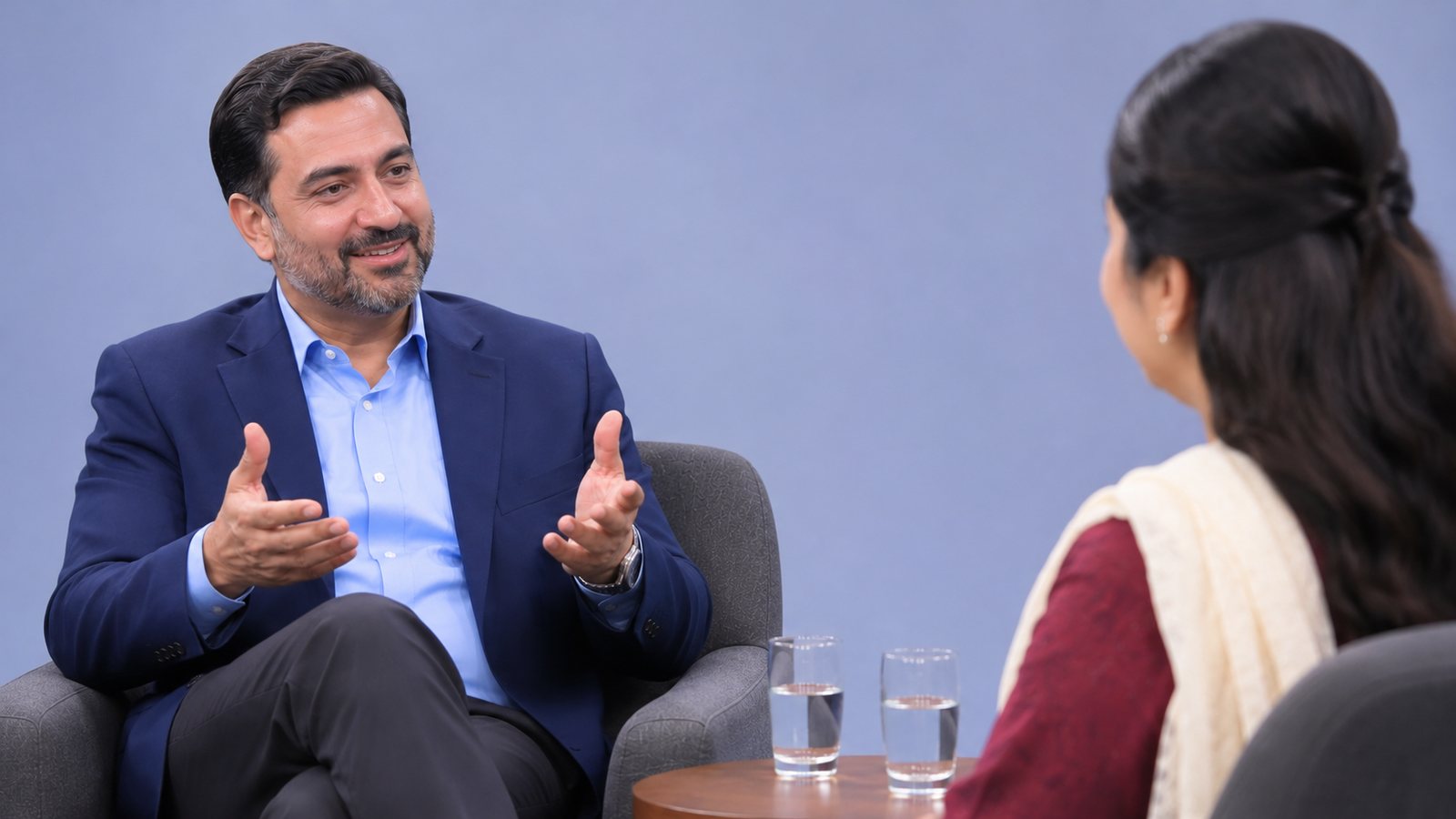
Many Cameras Plug in USB cameras, and add phones as extra cameras by scanning a QR code. Up to six phones.
Switch as It Happens See the next shot on Preview, then Cut or Fade it on air. Or double-click a camera. Number keys work too.
One Finished Film The recording is saved straight to your computer as a Full HD MP4. You can also keep every camera as its own file for editing.
Logo, Titles and Ticker Put your logo on screen, keep a list of name titles and show them with one click, and run a moving line of text.
Split Screens Two cameras side by side, picture in picture, a panel of speakers, or four cameras at once.
Sound Mixer A fader, level meter and mute for every microphone, and headphones so the operator hears exactly what is recorded.
TV or Second Screen Send the finished picture to a TV or projector, full screen, while the controls stay on the laptop.
Installs Like an App One click puts Faith Stream on the laptop with its own icon and window. Your set-up is remembered.
Works Without Internet After the first visit, the studio opens and records with USB cameras even when the internet is down.
 Faith StreamTalk ShowREC 00:24:1310:42:18